


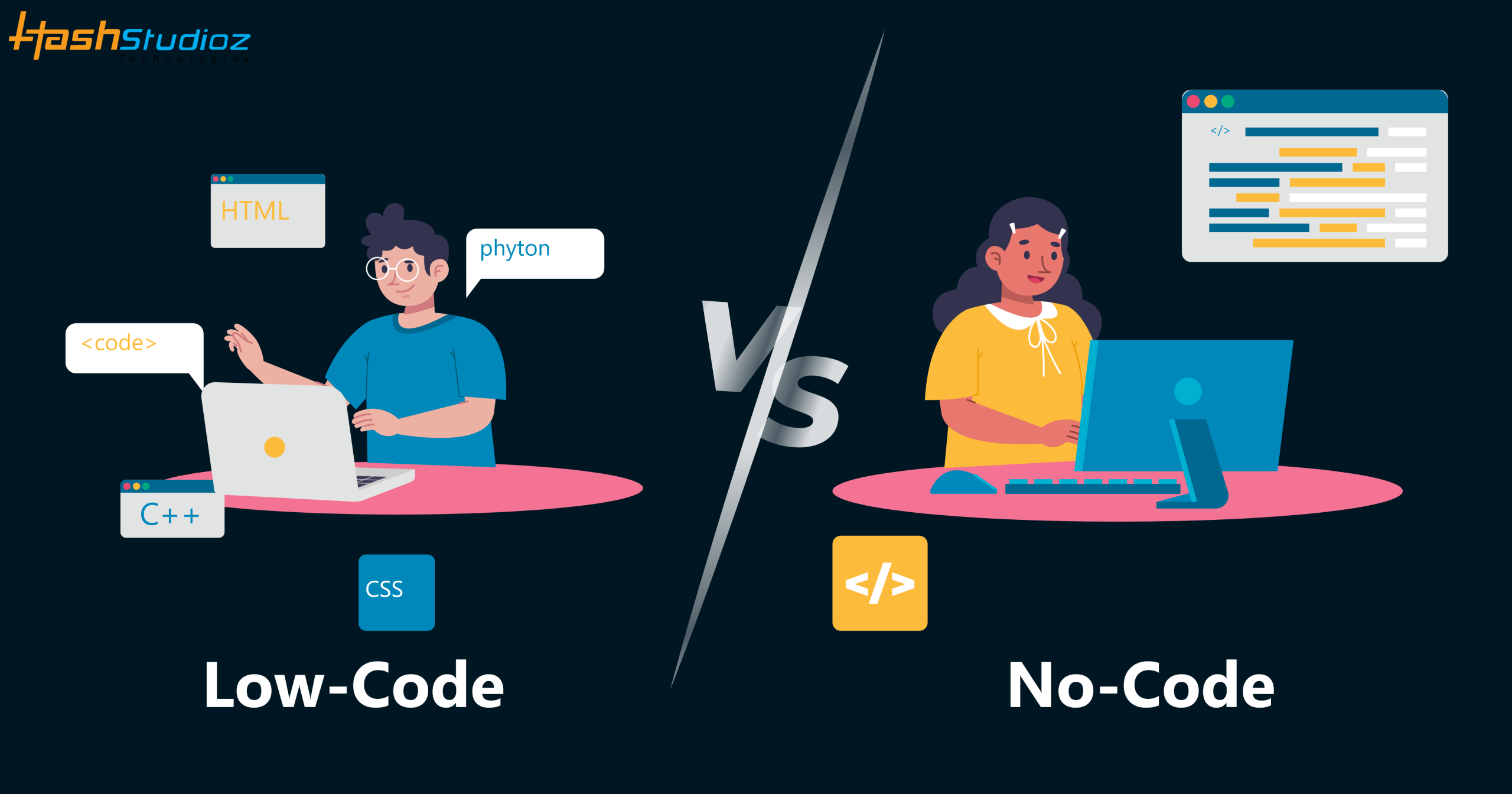
Software development has become much faster and more accessible than it was a decade ago. Businesses no longer need large development teams or months of coding to build every application. Low-code and no-code platforms now enable organizations to create websites, mobile apps, workflow automation, and internal business tools in a fraction of the time.
Although these approaches share the goal of accelerating application development, they are designed for different users and business needs. Low-code platforms combine visual development with custom coding, making them suitable for developers and IT teams building scalable, enterprise-grade applications. No-code platforms eliminate coding altogether, allowing business users to create applications through drag-and-drop interfaces and pre-built components.
Choosing the right approach depends on factors such as project complexity, customization needs, scalability, security, and long-term maintenance. Understanding these differences helps organizations reduce development costs, improve productivity, and deliver software more efficiently.
Table of Contents
What Is Low-Code Development?
Low-code development is a software development approach that uses visual interfaces, drag-and-drop components, and pre-built templates to build applications with minimal coding. Developers can also add custom code for advanced features, integrations, and business logic, making low-code suitable for scalable business and enterprise applications.
What Is No-Code Development?
No-code development is a software development approach that enables users to build applications using visual interfaces, drag-and-drop tools, and pre-built components without writing code. It is designed for business users, entrepreneurs, and teams that want to create websites, internal tools, workflows, and simple applications quickly.
The differences between Low-Code and No-Code
While both no-code and low-code development are similar in terms of output (ideally a fully operational piece of software), they do have several differences. The following are some of the basic features that can help you to understand the differences between low code and no code development:
Low-Code vs. No-Code: Key Differences
| Feature | Low-Code | No-Code |
|---|---|---|
| Coding Required | Minimal coding | No coding |
| Target Users | Developers, IT teams, and citizen developers | Business users and non-technical teams |
| Customization | High with custom code | Limited to platform capabilities |
| Scalability | Suitable for enterprise applications | Best for simple to medium-complexity applications |
| Integrations | Extensive API and third-party integrations | Built-in integrations with limited customization |
| Development Speed | Faster than traditional development | Fastest development approach |
| Best Use Cases | Enterprise apps, complex workflows, custom solutions | MVPs, internal tools, forms, and workflow automation |
Target Audience
Low-code platforms are designed for developers, IT teams, and citizen developers who need greater control over application functionality. No-code platforms are built for business users and entrepreneurs who want to create applications without programming knowledge.
Customization and Flexibility
Low-code allows developers to extend applications with custom code, APIs, and advanced business logic. No-code relies on pre-built components, making it easier to use but less flexible for highly customized applications.
Scalability
Low-code platforms support enterprise-grade applications that can grow with business requirements. No-code platforms are better suited for small to medium-sized applications, prototypes, and departmental solutions.
Development Speed
Both approaches reduce development time compared to traditional coding. However, no-code platforms generally enable faster development because users work entirely with visual tools and ready-made components.
Similarities Between Low-Code and No-Code
Although low-code and no-code platforms serve different users, they share the same goal: simplifying application development. Both use visual development tools to reduce coding effort, shorten development cycles, and help organizations deliver applications faster than traditional software development.
Key similarities
- Use visual drag-and-drop interfaces
- Speed up application development
- Reduce manual coding effort
- Include pre-built templates and components
- Support workflow automation
- Connect with third-party applications through integrations
- Lower development costs and improve productivity
When Should You Choose Low-Code?
Low-code is the right choice when your project requires customization, scalability, or integration with existing business systems. It combines visual development with custom coding, making it suitable for organizations building complex or enterprise-grade applications.
Choose low-code if you need to:
- Build enterprise applications with complex workflows
- Integrate with APIs, databases, or legacy systems
- Add custom business logic and advanced features
- Develop applications that can scale with business growth
- Enable developers to deliver software faster without sacrificing flexibility
When Should You Choose No-Code?
No-code is ideal for projects that prioritize speed, simplicity, and ease of use. It enables non-technical users to build applications without writing code, making it a practical choice for simple business solutions and rapid prototyping.
Choose no-code if you need to:
- Launch an MVP or prototype quickly
- Build internal tools or approval workflows
- Create forms, dashboards, or business portals
- Automate repetitive business processes
- Develop applications without a dedicated development team
Benefits of Low-Code and No-Code Development
Low-code and no-code platforms help organizations accelerate application development while reducing costs and development effort. They enable faster innovation, improve collaboration between business and IT teams, and simplify digital transformation initiatives.
Key benefits
- Faster application development: Build and deploy applications in weeks instead of months.
- Lower development costs: Reduce the need for extensive coding and large development teams.
- Improved productivity: Automate repetitive tasks and speed up business processes.
- Greater collaboration: Enable business users and developers to work together on application development.
- Faster innovation: Quickly test ideas, build prototypes, and respond to changing business needs.
- Easy maintenance: Visual development tools simplify updates and ongoing application management.
Common Use Cases of Low-Code and No-Code
The right platform depends on your project requirements, technical expertise, and long-term business goals. While low-code platforms support complex, enterprise-grade applications, no-code platforms are ideal for quickly building simple business solutions.
| Use Case | Low-Code | No-Code |
|---|---|---|
| Enterprise applications | ✓ | Limited |
| Internal business tools | ✓ | ✓ |
| Workflow automation | ✓ | ✓ |
| Customer portals | ✓ | Limited |
| Mobile applications | ✓ | ✓ |
| MVPs and prototypes | ✓ | ✓ |
| Forms and dashboards | ✓ | ✓ |
| Complex system integrations | ✓ | Limited |
| Departmental applications | ✓ | ✓ |
Why Choose HashStudioz for Low-Code and No-Code Development?
Choosing the right development approach is only part of the process. Success also depends on selecting a platform that aligns with your business goals, integration requirements, and future growth.
At HashStudioz, we help businesses build secure, scalable, and high-performance applications using modern Low-Code and No-Code Development Platform technologies. Whether you need to automate workflows, develop internal business applications, or launch customer-facing solutions faster, our experts help you choose the right approach based on your technical and operational requirements.
Conclusion
Low-code and no-code development platforms are changing how businesses build and deploy applications. While both approaches reduce development time and simplify software creation, the right choice depends on your project’s complexity, customization needs, scalability goals, and available technical expertise.
No-code is ideal for quickly building simple applications without programming, whereas low-code offers greater flexibility for enterprise applications, custom integrations, and long-term scalability. By evaluating your business requirements and future growth plans, you can choose the development approach that delivers the best value and supports your digital transformation initiatives.
FAQs
1. Can low-code applications scale for enterprise use?
Yes. Most modern low-code platforms support enterprise-grade applications with features such as custom coding, API integrations, security controls, and cloud deployment, making them suitable for complex business environments.
2. What are the limitations of no-code platforms?
No-code platforms offer limited customization and may not be suitable for applications requiring complex business logic, advanced integrations, or extensive scalability.
3. Which is more cost-effective: low-code or no-code?
No-code is generally more cost-effective for simple applications and rapid prototyping, while low-code provides better long-term value for complex projects that require customization and scalability.
4. Can businesses use both low-code and no-code platforms together?
Yes. Many organizations use no-code platforms for simple internal tools and workflow automation while relying on low-code platforms to develop enterprise applications and integrate business systems.
5. How do I choose between low-code and no-code development?
Consider your project’s complexity, customization requirements, scalability, integration needs, budget, and technical expertise. Low-code is better for complex applications, while no-code is ideal for simple, fast-to-build solutions.